





Here's the Discord Changelog from March 24, 2026. You can also find the most recent Changelog in the Discord app under Settings > What's New.

With everyone finally settled in after coming back from end-of-year breaks, you’re likely getting back into your usual routines for vibin’ on Discord as well. Ya know, bringing the guild back together for the new World of Warcraft expansion or playing 4-player co-op in Slay the Spire 2’s Early Access release. (YES FINALLYYY)
To help, we’ve given the desktop app a SUPERFLUITY of upgrades to make hanging out and navigating the app easier. After you’re done peeking below, go figure out how to use “superfluity” in a sentence of your own. You can borrow our dusty thesaurus if you’d like.
🎮 Desktop Gains for Better Game Nights
- You can now zoom and pan screenshare streams using your mouse’s scroll wheel or trackpad, letting you actually see the names of all that loot they've been sprinting past in PoE. Plus, your single-window Go Live streams that you start should kick in a bit faster!
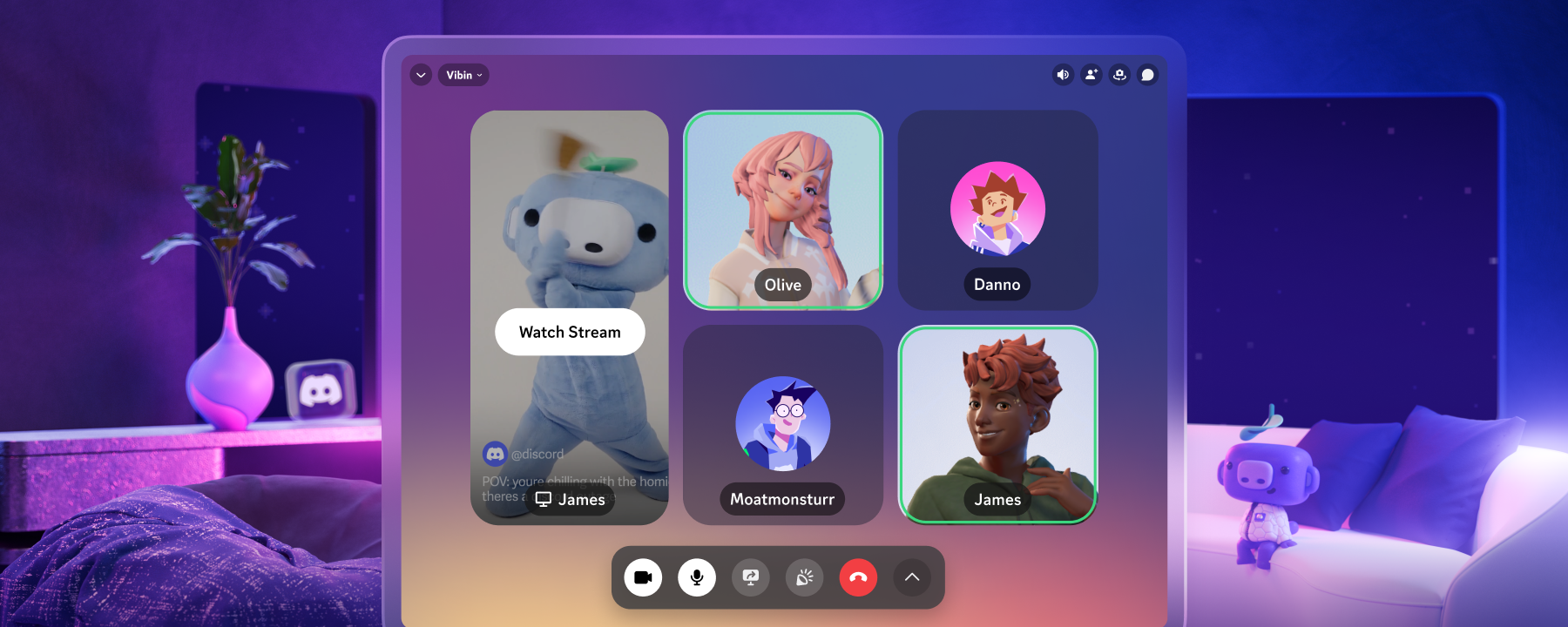
- Easily invite your usual team comp to the VC. While in voice, you’ll see a new “Invite to Voice” option that recommends both your server buddies and outside (but close) friends you can invite to the server… but they’ll still need to do the hard work to drag you out of Iron IV.
- The Game Stats Profile Widget now supports a second game! Link your Wuthering Waves account and show off in-game stats right on your profile, like your total number of achievements and favorite Resonator. (Which I’ve recently been informed is not a car part.)
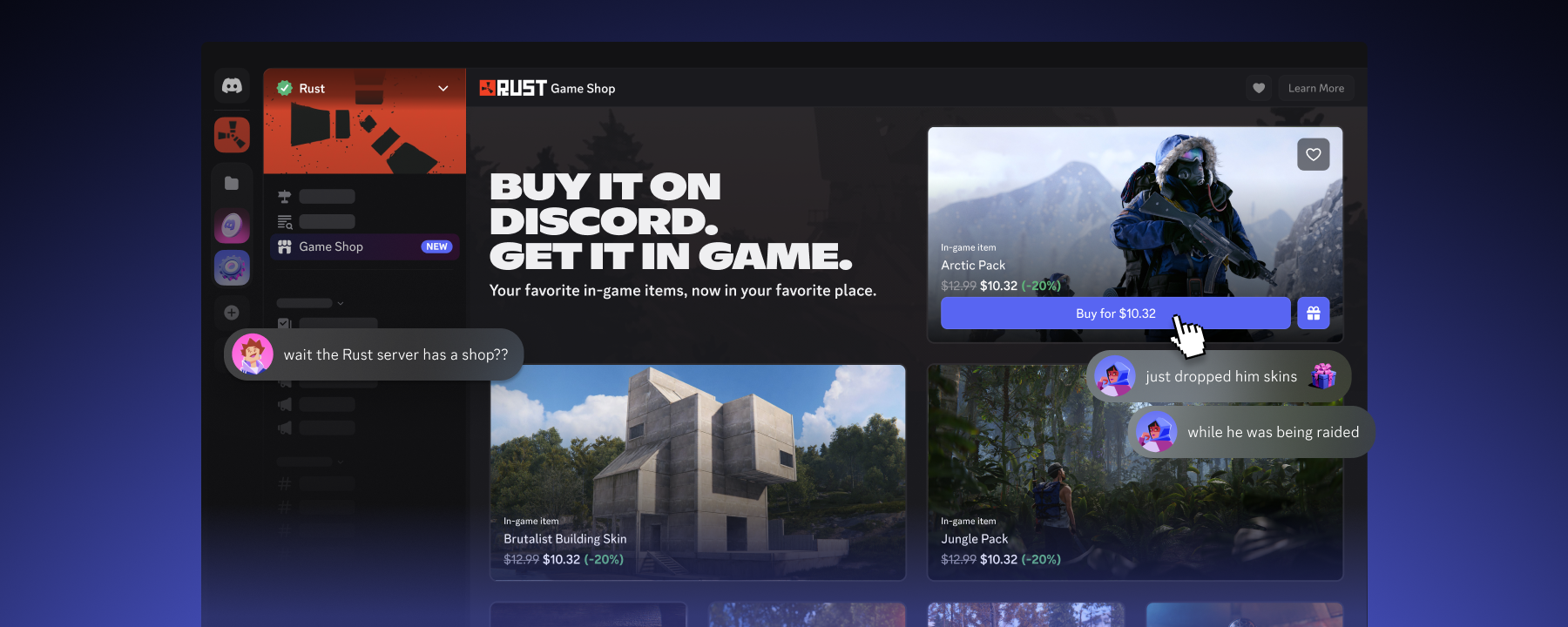
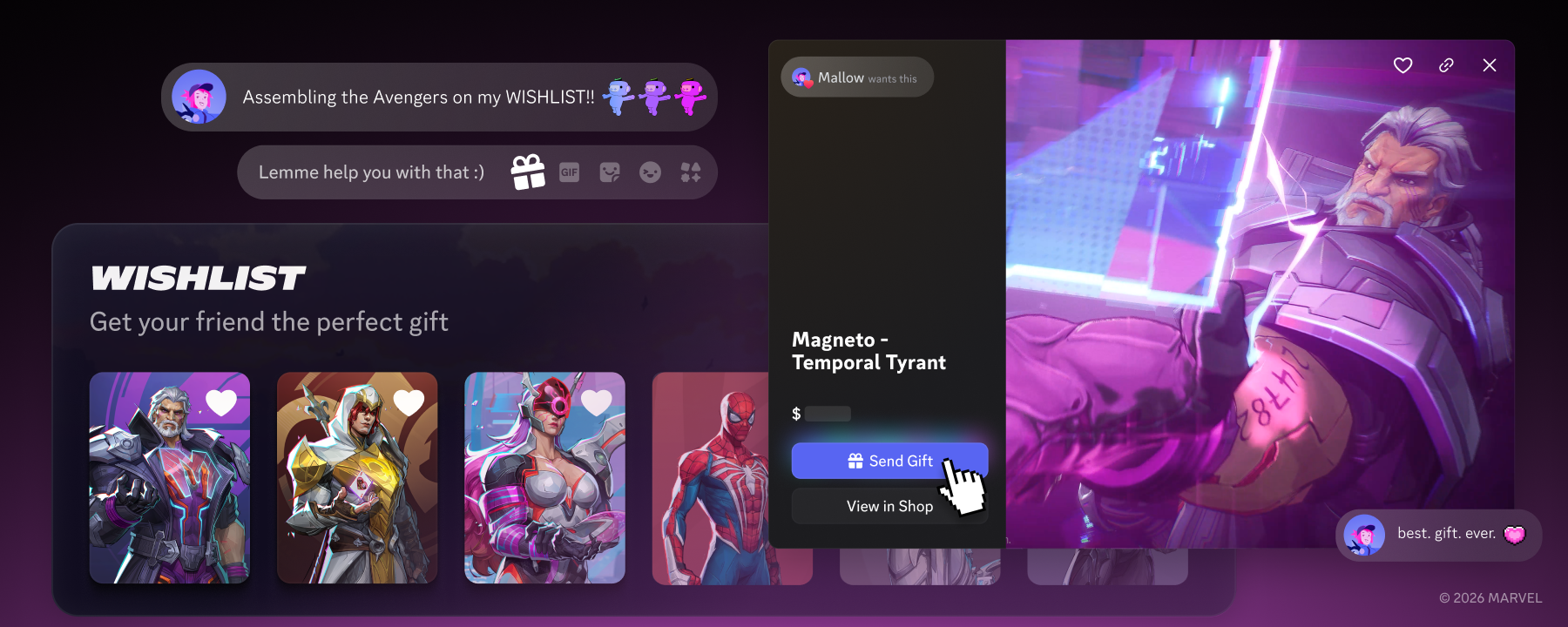
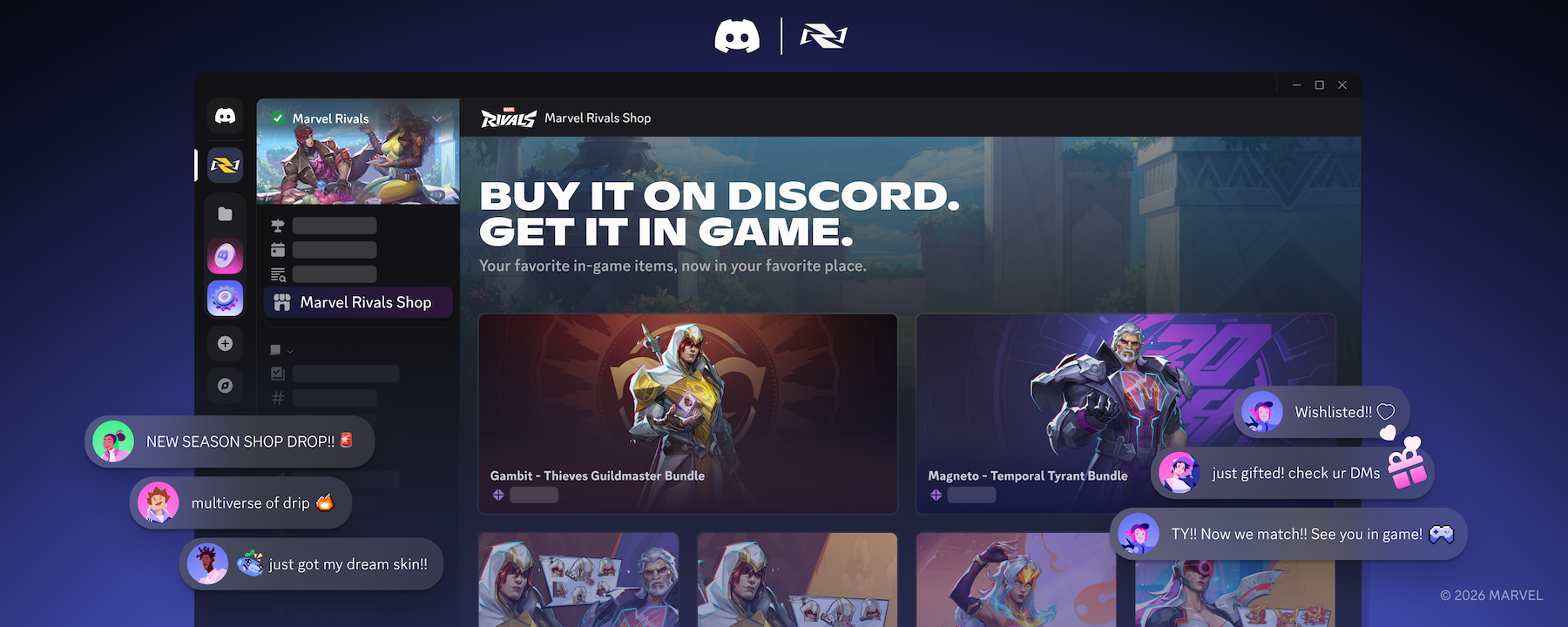
- Gift Marvel Rivals items to your Discord pals! Head to Server Discovery ➡︎ the Marvel Rivals server ➡︎ Game Shop to wishlist your favorite in-game items. Your usual six-stack, or even a Discord friend who’s never played before, can gift 'em to you… or treat yourself to it as a reward…
🗺️ Desktop Gains to Swiftly Navigate
- Desktop performance got a lot faster. We shipped a few behind-the-scenes upgrades that significantly reduced lag when navigating the desktop app. How fast? This fast, actually.
- Wait, where were you just at? Just press Back!... or Forward! There are now Back and Forward buttons on the top-left of the desktop app. They work just like your web browser, so if you happen to use mouse buttons to go Back and Forward in your browser, it should work here as well.
- See who has that Role you just mass-pinged by clicking on it. Clicking @Role mentions on desktop now lists up to 100 users who have that server’s roles, such as @Mod, @Super Mod, or the (functionally useless but they’re for the ✨look ✨) @Server Member roles.
- Our Desktop Settings redesign keeps chuggin’ along. We cleaned up the layout of the Notifications, Voice and Video, Clips, and Streamer Mode pages, including updates to organization, styling, and clearer phrasing.
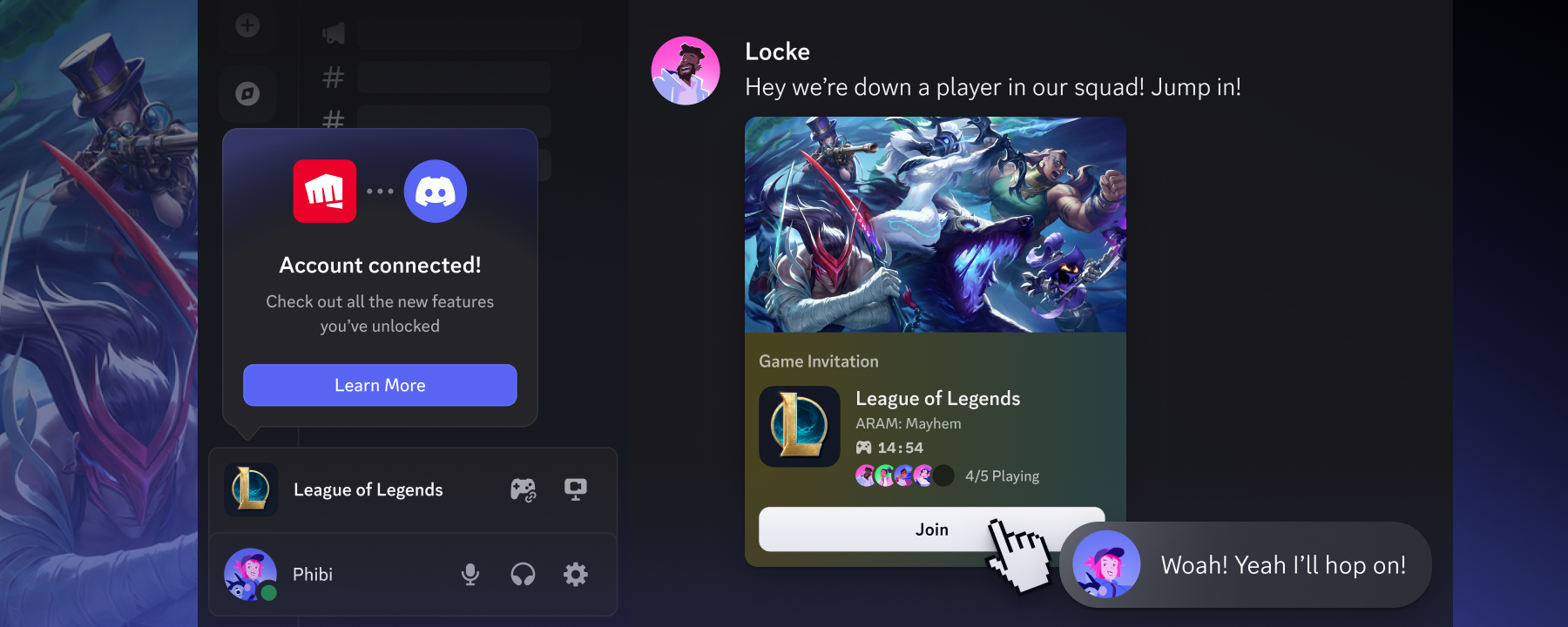
Heads up to the game devs out there: at this year’s Game Developers Conference, we announced a bunch of new ways for devs to grow their games. Peek at our blog to see all the slick new stuff.










.png)
.png)




Nameplates_BlogBanner_AB_FINAL_V1.png)

_Blog_Banner_Static_Final_1800x720.png)


_MKT_01_Blog%20Banner_Full.jpg)


